Processors/Comparison
15 specifications
Intel Core Ultra 7 270K Plus vs Intel Core Ultra 9 285
On paper, the Intel Core Ultra 9 285 boosts higher. Specifications describe what each chip is designed to do; how much of that either one holds under continuous load is a separate question.
Intel Core Ultra 7 270K Plus
Intel · Arrow Lake Refresh (Core Ultra 200S Plus) · Desktop
Intel Core Ultra 9 285
Intel · Arrow Lake-S (Core Ultra 200S) · Desktop
Cores and clocks
Cache and power
Platform
A check marks the higher figure only on rows where higher is unambiguously better. Rows without one are not ties; they are specifications where “better” has no meaning.
Reading the table
What the difference means.
Boost clock
The Core Ultra 9 285 boosts to 5.6 GHz against 5.5 GHz, 2 percent higher. Across generations it is not a guide to speed on its own, for the reason above. Boost is also a peak: it is held for seconds to minutes, on one or two cores, while the cooling and the power limit allow. What either chip settles at under a long load is lower, and it depends on the cooler and the motherboard as much as the chip.
Power and cooling
The Core Ultra 7 270K Plus is rated at 125 W against 65 W. The rating is the heat the cooler has to move for the chip to hold its speed, and modern chips draw well above it in short bursts. A tower cooler or a liquid loop suits the Core Ultra 7 270K Plus; the Core Ultra 9 285 is easier to keep quiet and fits smaller cases. A chip whose cooling falls short does not fail. It slows down, and it does so after the first minute, which is why short benchmarks miss it.
Platform
Both use the FCLGA1851 socket and DDR5 memory, so one can replace the other on the same motherboard. Check the board maker's support list first: an older board often needs a firmware update before it recognises a newer chip.
Which to pick, on paper
- A quiet or compact build
- Core Ultra 9 285
- 65 W against 125 W: less heat to move, so a smaller cooler and slower fans.
- Upgrading without a new motherboard
- Either
- Same FCLGA1851 socket. Update the board's firmware before swapping.
What no table says
How much of its speed a processor keeps after the first minute depends on the cooling and the power limit of the machine it is in. If you own one of these, measure it: the test is free and runs in this browser.
Questions
- Is the Core Ultra 7 270K Plus better than the Core Ultra 9 285?
- By need, on the specifications: a quiet or compact build: the Core Ultra 9 285; upgrading without a new motherboard: either. No specification says how much speed either one keeps under a long load; that depends on the cooling and the power limit of the machine it is in, and it is what a sustained test measures.
- Do the Core Ultra 7 270K Plus and the Core Ultra 9 285 use the same socket?
- Yes, both use FCLGA1851, so either fits the other's motherboard. Check the board's support list and update its firmware first.
- Does the Core Ultra 7 270K Plus or the Core Ultra 9 285 have integrated graphics?
- Both do: Intel Graphics on the Core Ultra 7 270K Plus and Intel Graphics (4 Xe-cores, 2.0 GHz) on the Core Ultra 9 285.
- Which runs hotter, the Core Ultra 7 270K Plus or the Core Ultra 9 285?
- The Core Ultra 7 270K Plus is rated at 125 W against 65 W, so it produces more heat under load and needs the larger cooler. How hot either one actually runs depends on the cooler and the case more than on the chip.
More comparisons
- Intel Core Ultra 7 270K Plus vs Intel Core Ultra 9 285K
- Intel Core Ultra 7 270K Plus vs Intel Core i9-13900K
- Intel Core Ultra 7 270K Plus vs Intel Core i9-14900
- Intel Core Ultra 7 270K Plus vs Intel Core i9-14900F
- Intel Core Ultra 7 270K Plus vs Intel Core i9-13900KS
- Intel Core Ultra 9 285 vs Intel Core Ultra 9 285K
- Intel Core Ultra 9 285 vs Intel Core i9-13900K
- Intel Core Ultra 9 285 vs Intel Core i9-14900
- Intel Core Ultra 9 285 vs Intel Core i9-14900F
- Intel Core Ultra 9 285 vs Intel Core i9-13900KS
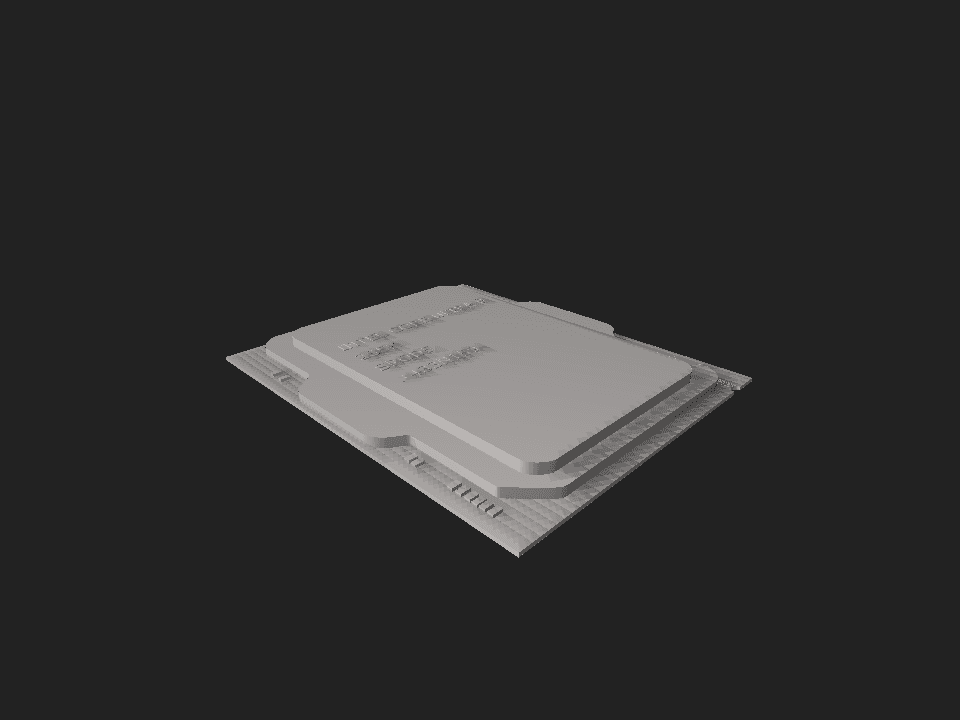
Every figure on this table is a design target. None of it is a measurement.
Nothing above describes how a processor behaves twenty minutes into a sustained workload, which is where two chips with nearly identical specifications routinely diverge. A boost clock is a ceiling the vendor permits, not a rate the chip sustains, and whether it holds depends on the cooling, the case, the power profile and the room. None of those appear on a specification sheet.
We deliberately do not reduce these figures to a single score. A composite invented from specifications would look authoritative and measure nothing, and choosing the weights would be choosing the winner.